Travel Tips
Smartphone Photography Tips for Nepal
Get the most from your phone camera on a Nepal trip with these practical tips.
Overview
A modern smartphone is a serious photographic tool. In Nepal's varied conditions — bright mountain sun, dim temple interiors, colourful festival crowds — knowing how to squeeze maximum quality from your phone camera makes the difference between snapshots and photographs worth framing. These tips apply to any current flagship (iPhone, Samsung, Google Pixel) and most mid-range devices.
Master Your Phone's Manual Controls
Most camera apps now offer manual or semi-manual exposure control. Learn to lock exposure separately from focus. On an iPhone, tap to focus then slide the sun icon down to reduce exposure — this recovers blown-out sky while maintaining accurate focus on your subject. On Android, the Pro mode in the stock camera app typically exposes ISO, shutter speed, and white balance independently.
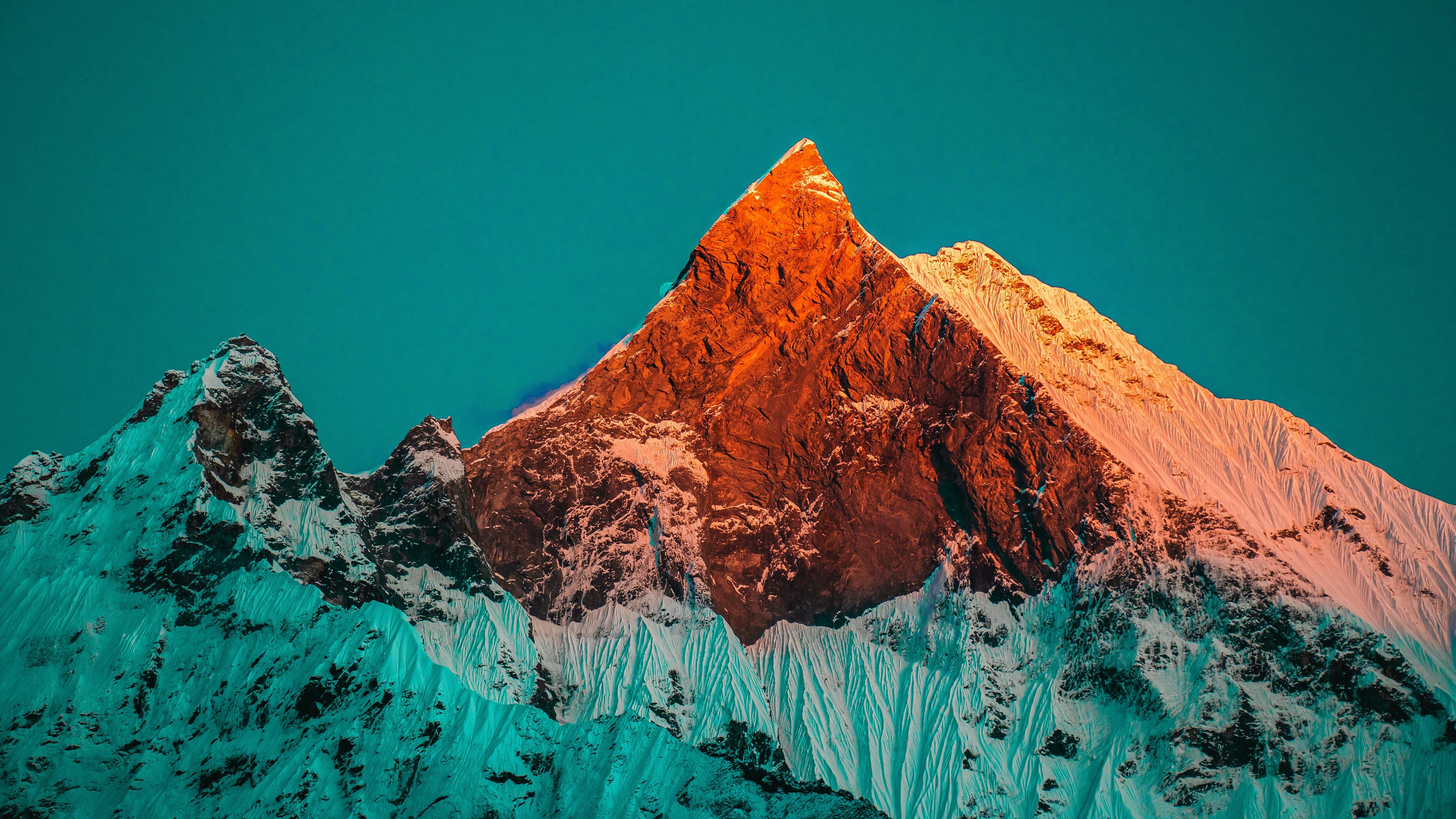
For sunrise and golden-hour shots at Sarangkot or Poon Hill, set your white balance manually (cloudy or shade) rather than leaving it on auto. Auto white balance in mixed light often neutralises the very warm tones that make a sunrise photograph compelling.
Use Night Mode Wisely
Night mode on most smartphones takes a multi-frame long exposure and merges the results computationally. It is excellent for static subjects (temples, landscapes, stupa at blue hour) but will blur moving subjects. Hold your phone steady against a wall, railing, or small tripod for night mode to reach its full potential. A small mini-tripod (Joby GorillaPod or equivalent) weighs almost nothing and dramatically improves night results.
Planning this trip? 🎒
Don't stress about transport or guides. Sajilo offers verified cabs, luxury tourist buses, and expert guides across Nepal.
Telephoto Lenses on Phones
If your phone has a 3x or 5x optical telephoto camera, use it for portraits and wildlife. The compression effect of a telephoto lens is flattering for faces and creates more natural background separation. The iPhone 16 Pro's 5x telephoto is genuinely impressive for candid portraits in festivals and markets.
For mountain shots, the periscope telephoto on current Samsung S-series phones (10x optical on S24 Ultra) is astounding — capable of meaningful close-up shots of peak detail that would previously have required a 600 mm telephoto lens.
Editing on the Phone
Adobe Lightroom Mobile (free basic version) is the most powerful mobile editing app. Import your shots, apply a small clarity boost (+10 to +20) to reveal texture in mountain rock and carved temple wood, pull your highlights down to recover sky detail, and lift shadows slightly to open up dark foreground areas. A consistent, simple preset applied to all your Nepal photos produces a unified, professional-looking portfolio.
Protecting Your Phone
Altitude, cold, and rough terrain are hard on phones. A shock-resistant case (OtterBox Defender or similar) protects against drops on rocky trails. At altitude above 4,000 metres, battery life drops sharply in cold — carry a compact power bank and keep your phone inside your jacket between shots.
FAQ
Q: Do I need a separate camera if I have a current flagship phone?
For casual travellers and social media photography, no. For large-scale printing (A3 and above), professional publication, or low-light night photography, a dedicated camera with a larger sensor will produce noticeably better results.
Q: How do I avoid overexposed skies in mountain photography?
The key is exposure compensation. Tap the sky in your camera app's frame to meter for the bright area, then recompose. Most phones also have an HDR mode that automatically blends exposures — turn this on for landscape shots with bright sky and dark foreground. In Lightroom Mobile, pull the Highlights slider left to -50 to -80 to recover sky detail in post.
Q: Is eSIM or local SIM data useful for photographers in Nepal?
Local SIM data (Ncell or NTC) is cheap and reasonably fast in Kathmandu and Pokhara. Connection fails above roughly 4,000 metres on most routes. Ncell works to Namche Bazaar (3,440 m) and occasionally at Tengboche. Above that, assume no data and plan your backup storage and map downloads accordingly.